LI YAO'S BLOG

有趣的人生, 一半家长里短, 一半山川胡海

Hexo添加评论功能

网上的评论软件有很多,例如:

来必力,Valine

我们采用Valine来进行评论功能的实现

首先需要去Valine官网注册一个用户,然后创建一个应用

创建成功后获取到AppID与AppKey
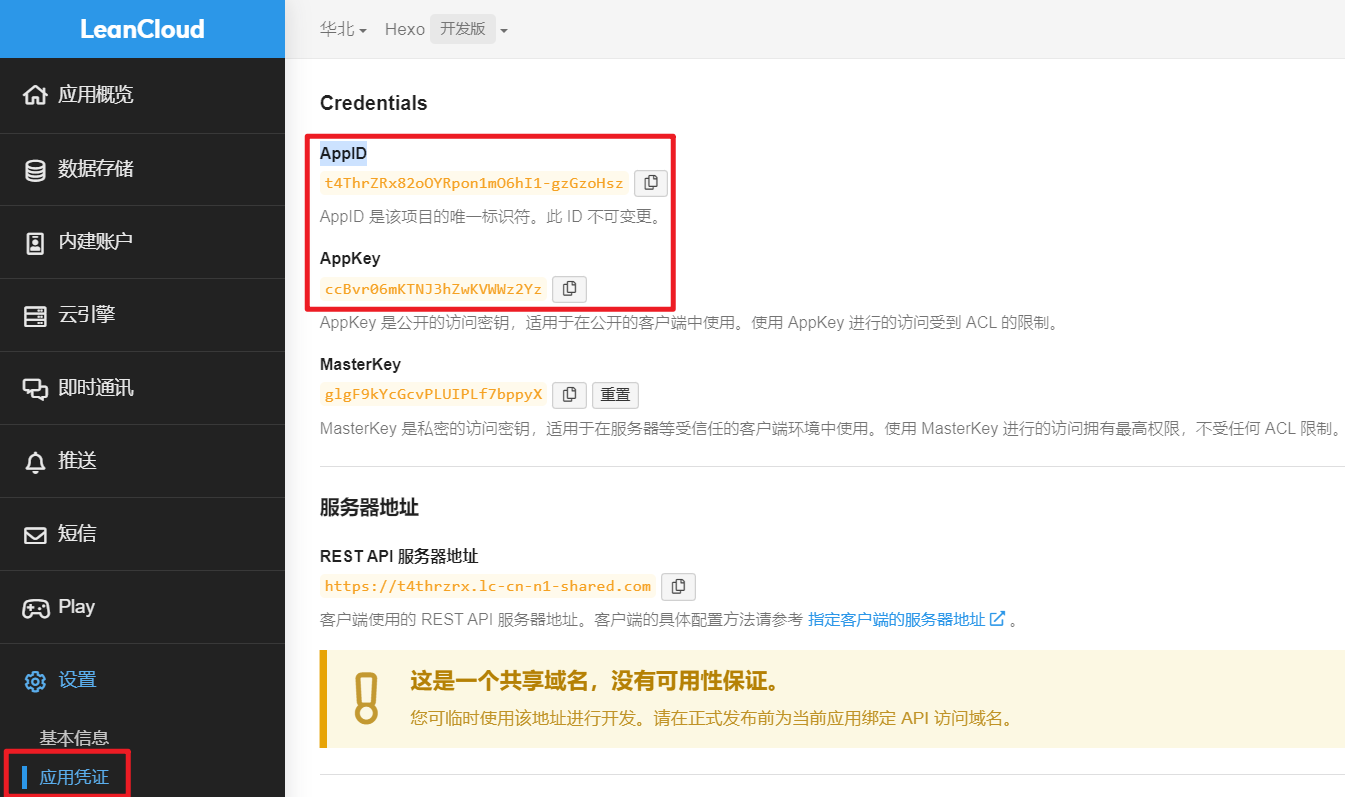
最后修改主题配置文件_config.yml

1
2
3
4
5
6
7
8
9
10
11
12
13
14
15
16
17
18
# Valine
# For more information: https://valine.js.org, https://github.com/xCss/Valine
valine:
enable: true
appid: t4ThrZRx82oOYRpon1mO6hI1-gzGzoHsz
appkey: ccBvr06mKTNJ3hZwKVWWz2Yz
notify: false # Mail notifier
verify: false # Verification code
placeholder: ヾノ≧∀≦)o 来呀!吐槽一番吧!
avatar: mm # Gravatar style
guest_info: nick,mail # Custom comment header
pageSize: 10 # Pagination size
language: # Language, available values: en, zh-cn
visitor: false # Article reading statistic
comment_count: true # If false, comment count will only be displayed in post page, not in home page
recordIP: false # Whether to record the commenter IP
serverURLs: # When the custom domain name is enabled, fill it in here (it will be detected automatically by default, no need to fill in)
#post_meta_order: 0

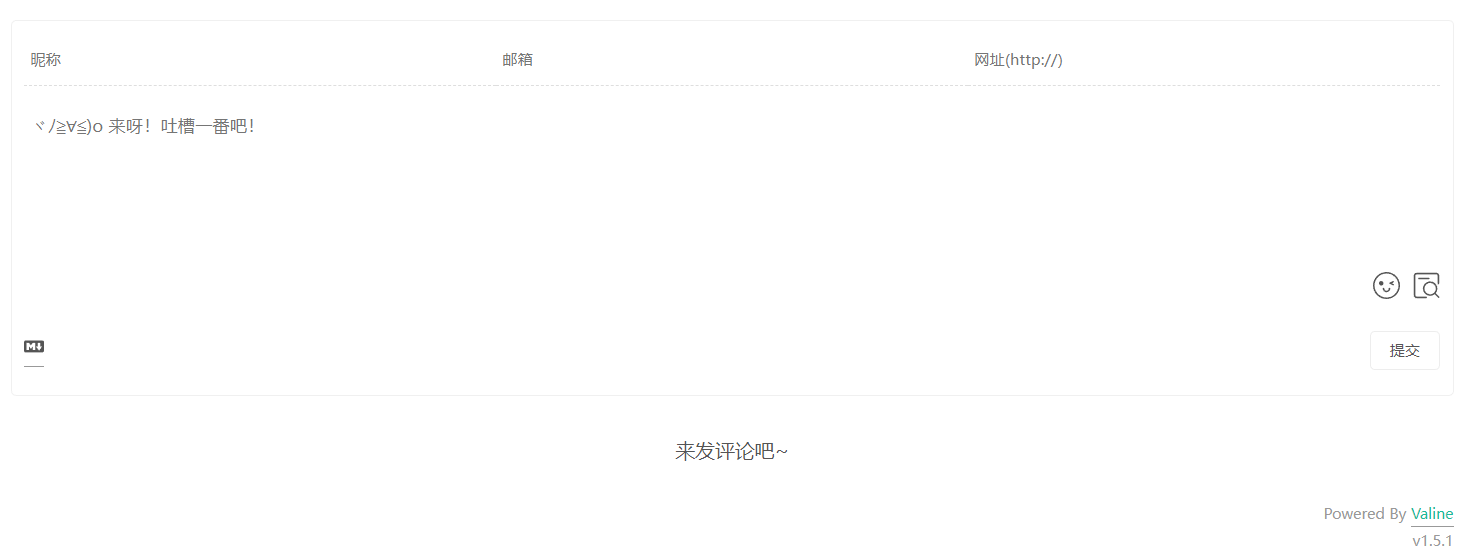
配置好后,使用hexo g与hexo s命令部署启动查看效果即可

赞赏一杯咖啡